
Best Invoicing Software: Top 10 Picks for Small Businesses in 2026
The 10 best invoicing software tools in 2026, ranked by features, pricing, and use case. Includes free options, comparison table, and when each one wins.
Updated 16 min read

The 10 best invoicing software tools in 2026, ranked by features, pricing, and use case. Includes free options, comparison table, and when each one wins.
The best invoicing software in 2026 is FreshBooks for freelancers and service businesses, QuickBooks Online for teams that need full accounting alongside billing, and Zoho Invoice for businesses that want professional invoicing at zero cost. These three cover the vast majority of use cases, but the right choice depends on your billing volume, team size, and payment workflow.
Late invoices are not a minor annoyance. 56% of small businesses are currently owed money from unpaid invoices, averaging $17,500 each.
55% of all B2B invoiced sales in the U.S. are past due, and the average wait is 43 days. The right invoicing software shortens that gap with automation, online payments, and smart reminders.
In this guide, you'll explore the top 10 best invoicing software tools available in 2026.
Software | Best For | Key Features | Pricing | Free Plan | Platforms |
|---|---|---|---|---|---|
Freelancers | Time tracking, client retainers, mobile app | No (trial) | Web, iOS, Android | ||
Full accounting + invoicing | Bank sync, 750+ integrations, robust reports | No (trial) | Web, iOS, Android | ||
Growing businesses | Multi-currency, 1,000+ integrations, project tracking | No (trial) | Web, iOS, Android | ||
Solopreneurs | Unlimited invoices, bookkeeping, receipt scanning | Yes | Web, iOS, Android | ||
Free invoicing | Custom templates, customer portal, time tracking | Yes | Web, iOS, Android | ||
POS + invoicing | Unlimited invoices/users, e-signature, contracts | Yes | Web, iOS, Android | ||
Developers, subscriptions | API-first, 135+ currencies, smart retries | No | Web, API | ||
Agencies, hourly billing | Time-to-invoice, team reporting, project tracking | Yes (limited) | Web, iOS, Android, Mac | ||
Open-source, self-hosted | 50+ gateways, Kanban, e-signature, self-host | Yes | Web, iOS, Android | ||
Creative professionals | Proposals + contracts + invoicing, CRM, AI | No (trial) | Web, iOS, Android |
Best for freelancers and service businesses
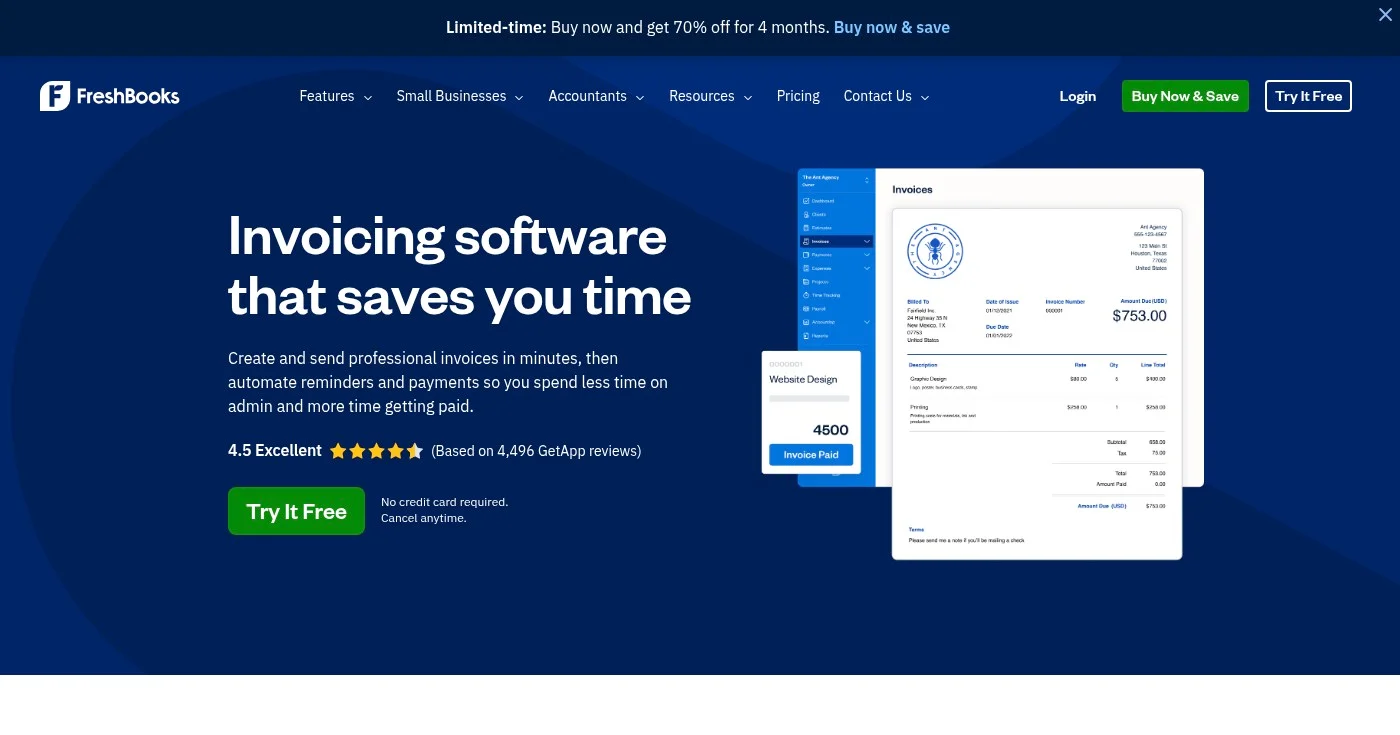
FreshBooks is built around the needs of service-based businesses: you track time, turn hours into invoices, and accept payment online without touching a spreadsheet. The platform's standout strength is its read-receipt notifications: you know the moment a client opens your invoice, which changes how you follow up.
All plans include time tracking, expense recording, and the ability to bill in multiple currencies. The Lite plan covers up to 5 billable clients; the Plus plan expands that to 50. You get FreshBooks Payments built in, accepting credit cards, ACH transfers, Apple Pay, Google Pay, and Buy Now, Pay Later.
The trade-off is price. FreshBooks is not the cheapest option, and the per-user fee ($11/mo per additional team member) adds up quickly for small teams.
All plans include a 30-day free trial. View FreshBooks pricing. Payment processing runs 2.9% + $0.30 per card transaction and 1% for ACH.
Best for small businesses wanting full accounting + invoicing
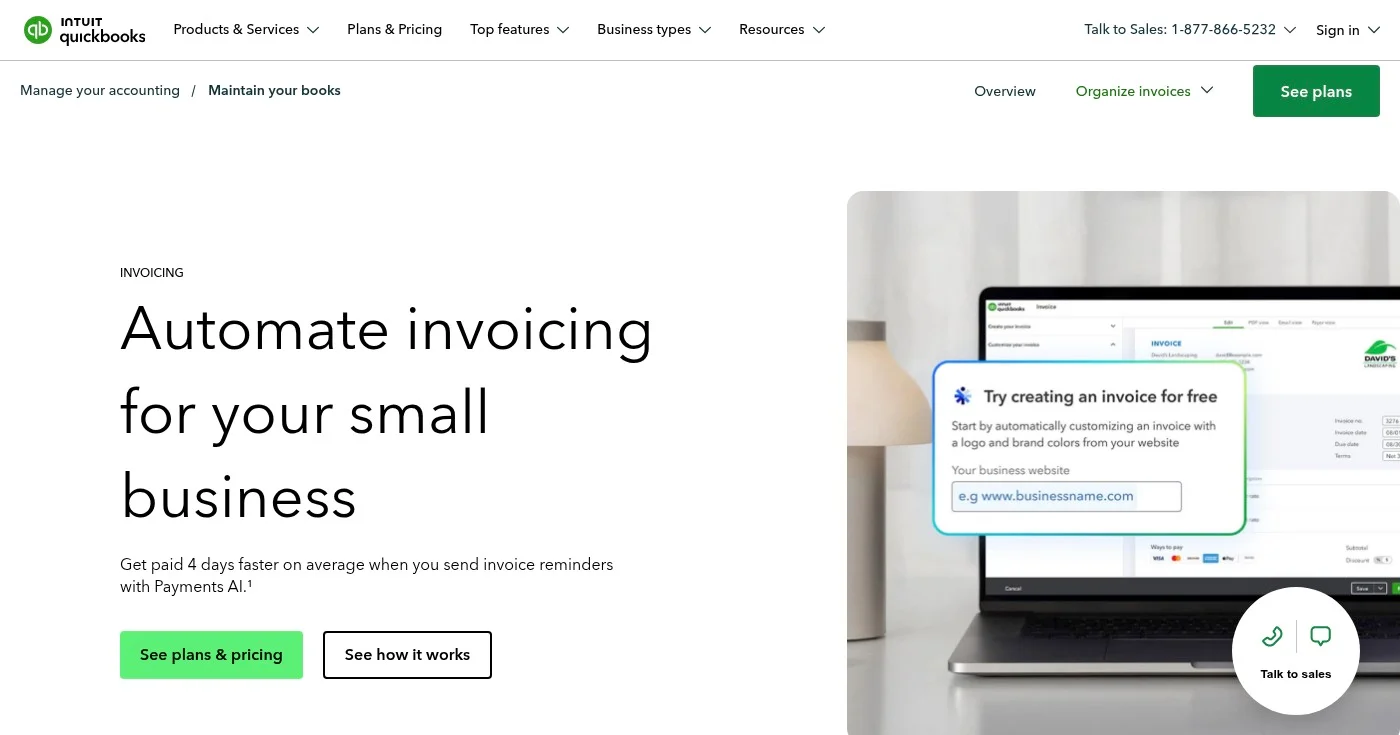
QuickBooks Online is the closest thing to an industry standard for small business accounting in the U.S. Your accountant almost certainly knows it. Its invoicing module lets you create customized invoices, accept online payments through QuickBooks Payments, and track outstanding balances from one dashboard.
The platform syncs automatically with your bank accounts, categorizes transactions using AI (Intuit Intelligence), and generates profit & loss, sales, and accounts receivable reports out of the box. The Simple Start plan covers one user; the Essentials plan adds bill management and three users.
The main limitation for invoicing-only use cases is cost. At $38/mo for the entry plan, you're paying for a full accounting suite. If you only need to send invoices, that's expensive.
View QuickBooks pricing. A 30-day free trial is available, and Intuit frequently runs 50% off for 3 months promotions.
Best for growing businesses needing multi-currency support
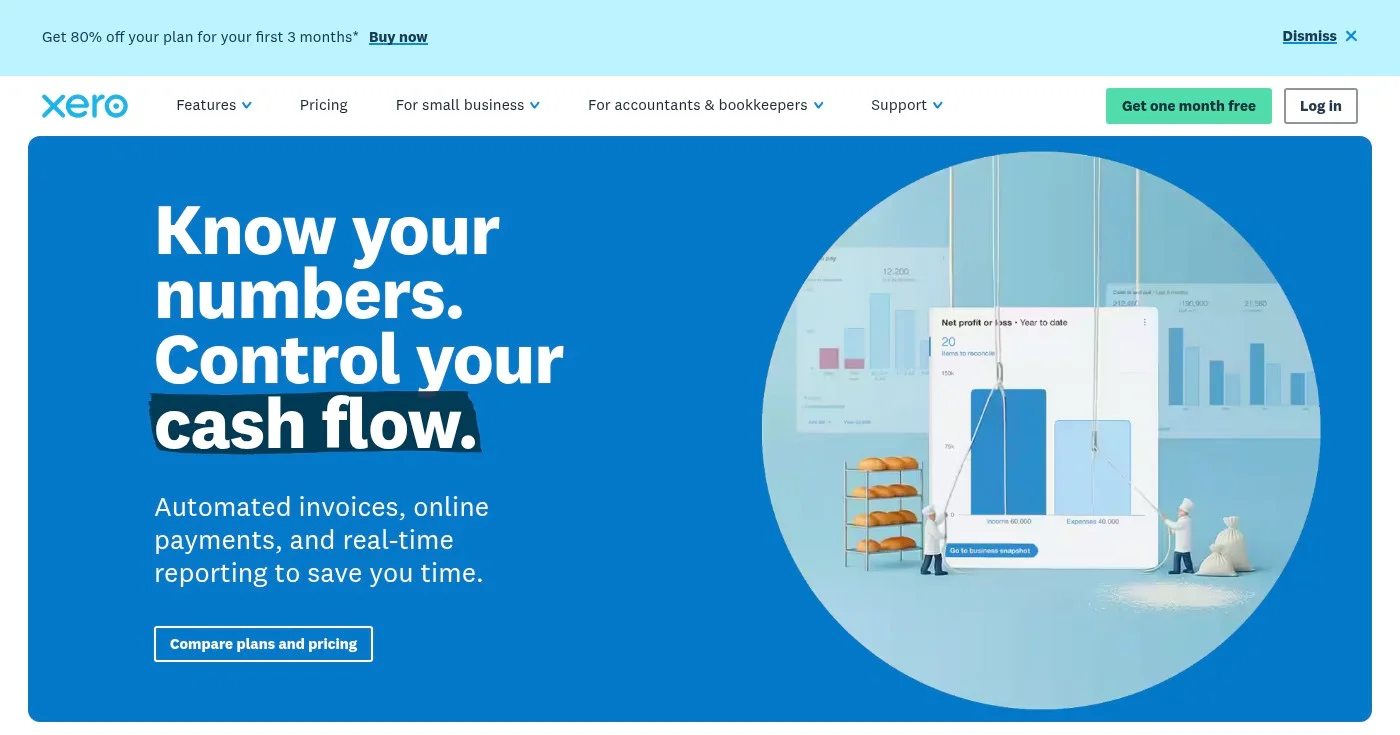
Xero is the global alternative to QuickBooks, with over 1,000 integrations and multi-currency support on its Established plan. It's popular with businesses that have international clients or work with accountants outside the U.S. who prefer its reporting structure.
The core invoicing features cover custom templates, recurring bills, automated bank reconciliation, and W-9 and 1099 management for U.S. businesses. The Growing plan removes invoice and bill limits for teams with high billing volume. The Established plan adds project tracking, expense claims, and multi-currency.
The Early plan's limit of 20 invoices per month is a common complaint: it's the kind of restriction that pushes small businesses to upgrade before they're ready.
View Xero pricing. Free one-month trial is available.
Best free option for solopreneurs and micro-businesses
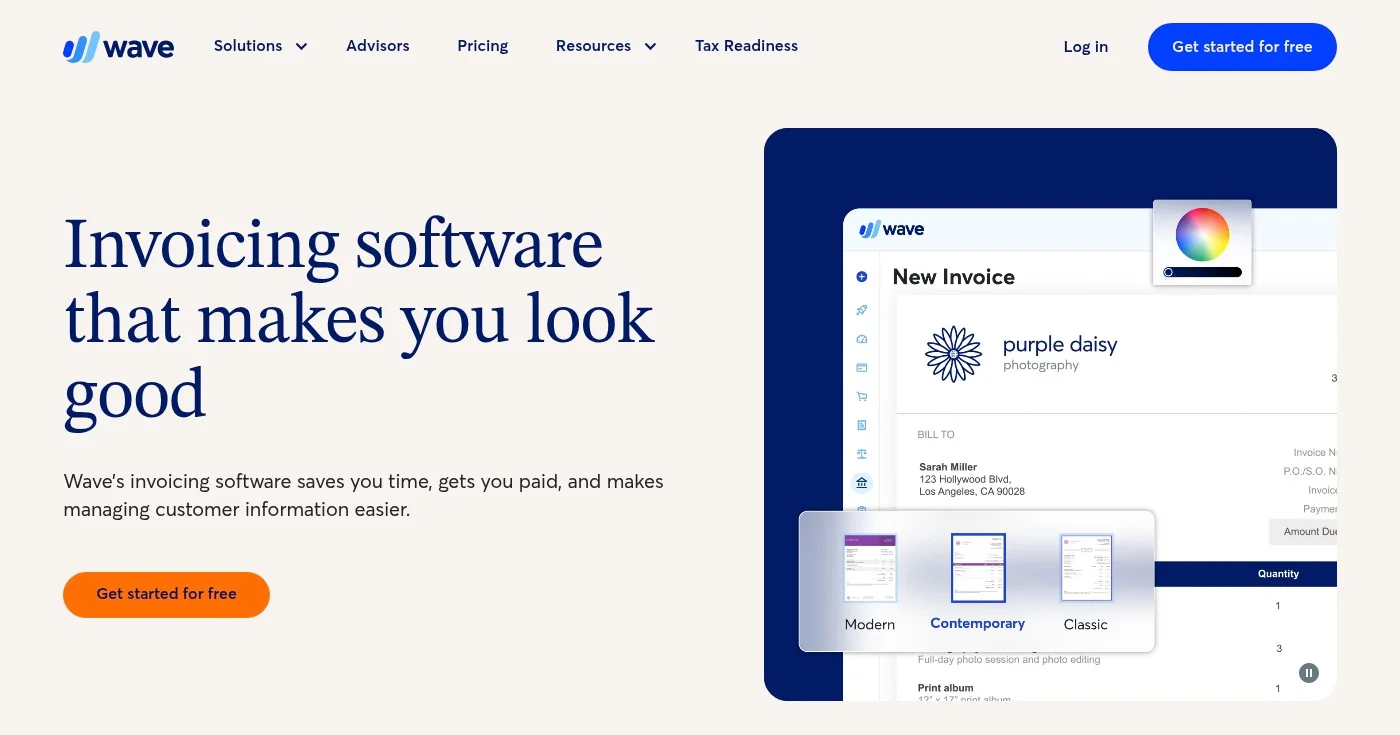
Wave offers unlimited invoicing, estimates, and bookkeeping records on its free Starter plan, no credit card required. That is a genuine free tier, not a trial. For a solopreneur or micro-business that just needs to get paid, Wave delivers everything necessary without a monthly fee.
The Pro plan at $19/mo adds automatic bank transaction import, automated late-payment reminders, and discounted card processing rates (dropping from 2.9% + $0.60 to 2.9% + $0 per transaction). That savings can offset the plan cost if your transaction volume is high enough.
Wave is not designed for teams or complex accounting workflows. You cannot track time directly in Wave, and collaboration features are minimal. But for a single operator who needs clean, professional invoices and basic bookkeeping, it is hard to beat.
View Wave pricing. Online card processing is 2.9% + $0.60 on Starter; 2.9% + $0 on Pro.
Best completely free invoicing software
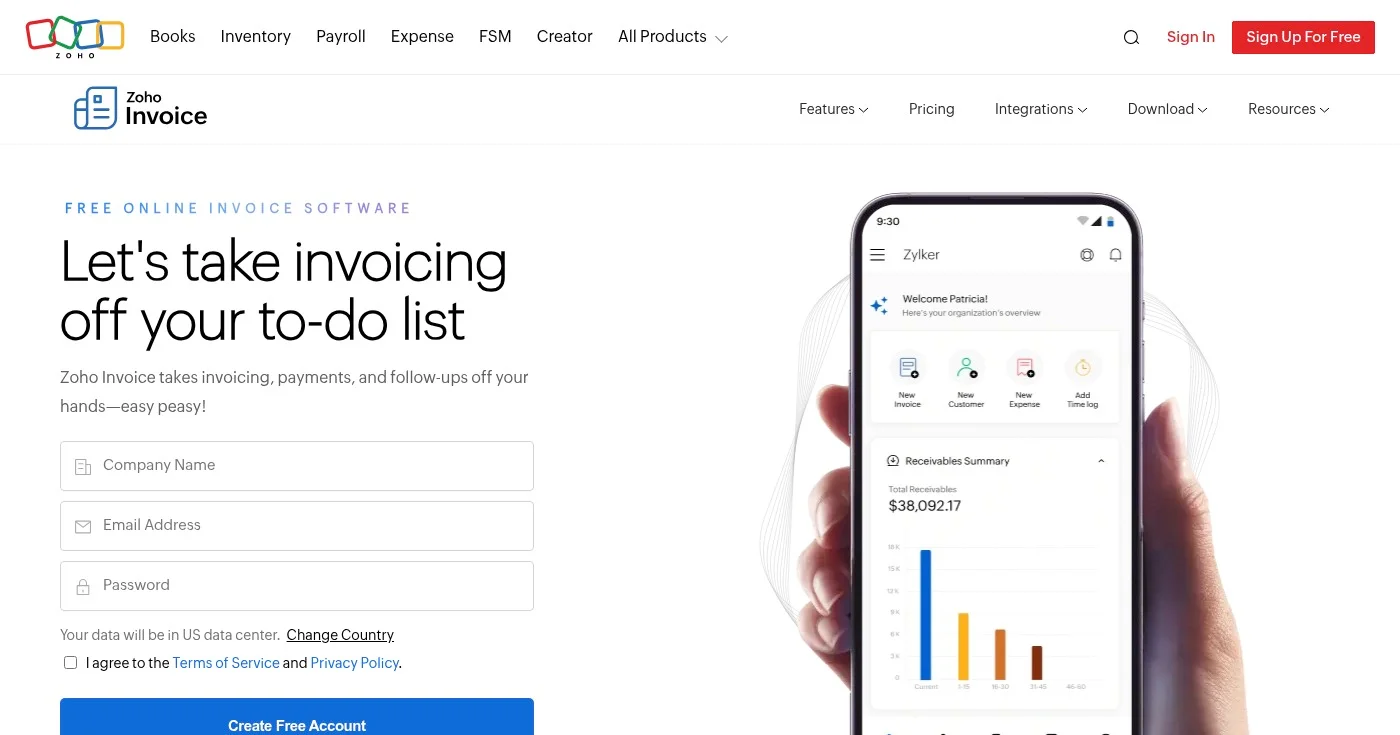
Zoho Invoice is free for all small businesses with no monthly fee, no catch, and no time limit. It covers the full invoicing workflow: customizable templates, automatic payment reminders, recurring invoices, time tracking, expense management, and a self-service client portal.
The free plan supports 1 user and 1 accountant with up to 1,000 invoices per year. You can accept payments through multiple gateways, track projects and billable time, and access sales and receivables reports. For businesses in the Zoho ecosystem, Invoice integrates with Zoho CRM, Zoho Books, and Zoho Analytics.
The limitation is the single-user cap. Teams with multiple billers will hit that ceiling quickly, at which point Zoho Books (the paid accounting product) becomes the relevant upgrade path.
Best for businesses that need POS and invoicing in one system
Square Invoices stands out because the free plan is genuinely unlimited: unlimited invoices, unlimited estimates, unlimited contracts, and unlimited users. That is rare. Most free plans restrict volume or users; Square restricts neither.
The platform integrates natively with the Square POS ecosystem, so businesses that sell in-person and send invoices use one dashboard for everything. Payment options are broad: credit cards, ACH bank transfers, Apple Pay, Google Pay, Cash App Pay, and Afterpay. The invoicing module includes e-signature, contract templates, and a project pipeline view.
The trade-off is payment processing exclusivity. You must use Square's own payment processing to accept online invoice payments, and you cannot plug in a third-party processor like Stripe.
View Square Invoices pricing. Card processing fee on the free plan is 3.3% + $0.30 per invoice payment.
Best for developers and subscription-based businesses
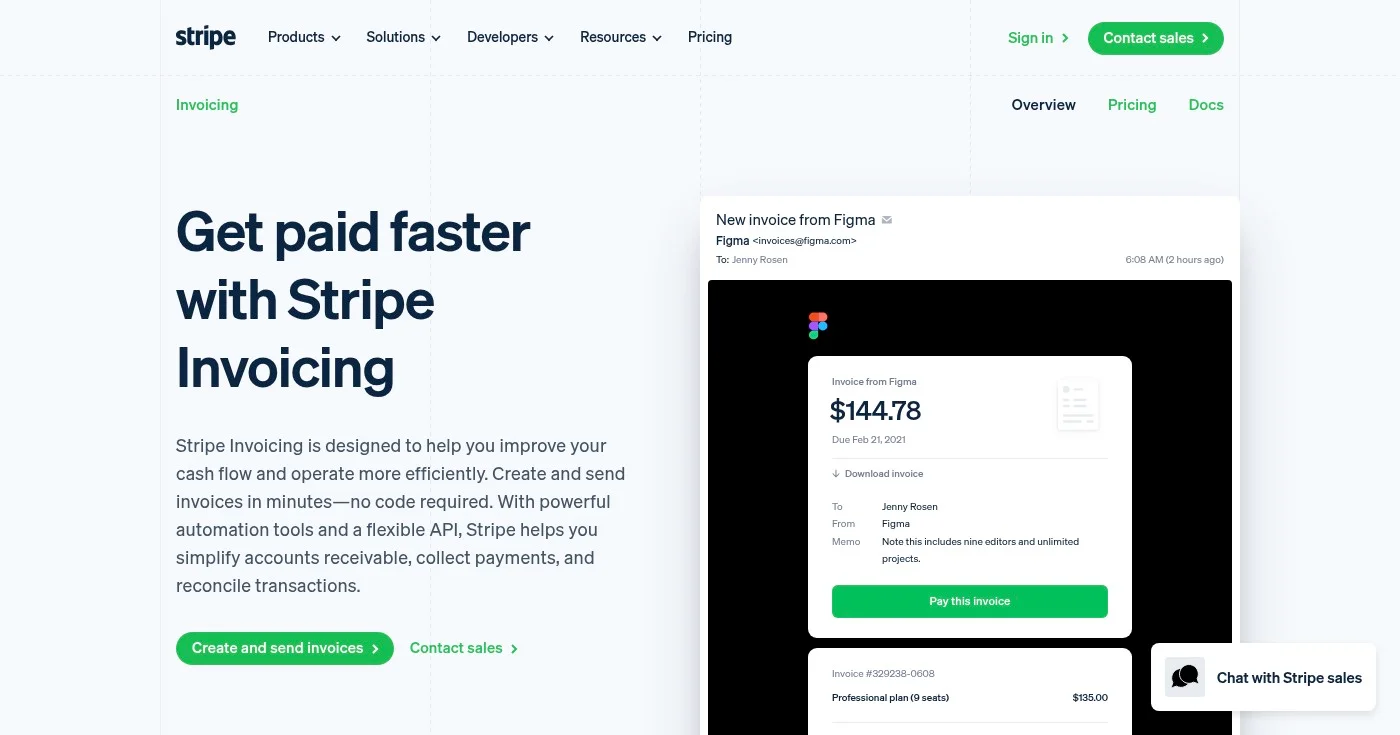
Stripe Invoicing is built for technical teams that want to invoice programmatically or connect billing directly to their product. There is no monthly fee. Instead, you pay 0.4% per paid invoice on the Starter plan, and 0.5% on the Plus plan (which adds quotes).
The platform supports over 135 currencies, making it the strongest option for businesses with international clients. Smart retries and automatic email reminders handle failed or unpaid invoices.
The customer portal lets clients self-manage payment details and view invoice history. ACH bank transfers are auto-reconciled, which reduces manual work for high-volume billing.
For non-technical users, Stripe has a steeper learning curve than FreshBooks or Wave. And the percentage-based pricing can become expensive for businesses with high average invoice values.
View Stripe Invoicing pricing. Standard Stripe payment processing fees apply on top.
Best for agencies and consultants billing by the hour
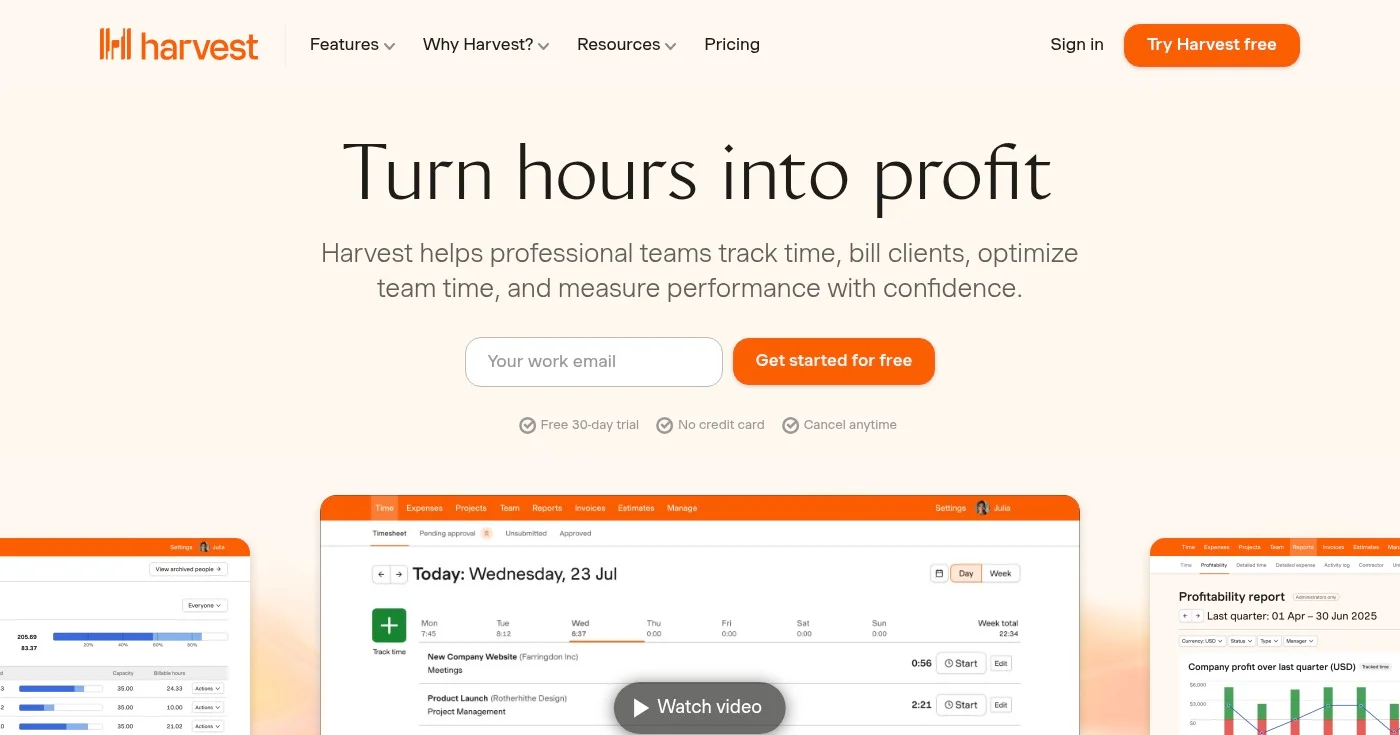
Harvest sits at the intersection of time tracking and invoicing: you log hours on a project, and Harvest turns them into an invoice with one click. For agencies, consultants, and any business billing hourly, that workflow is a significant time saver.
The free plan covers one user and two projects, which is enough to evaluate the tool. The Teams plan at $11/seat/mo unlocks unlimited projects, team reporting, and integrations with QuickBooks, Xero, Stripe, and PayPal. The Enterprise plan adds profitability reporting, timesheet approvals, and SAML-based SSO for larger organizations.
Harvest is not a standalone accounting solution. You'll need QuickBooks or Xero alongside it. But for the specific workflow of billing clients for time spent, it is the cleanest tool available.
All paid plans include a 30-day free trial. View Harvest pricing.
Best open-source and self-hosted invoicing solution
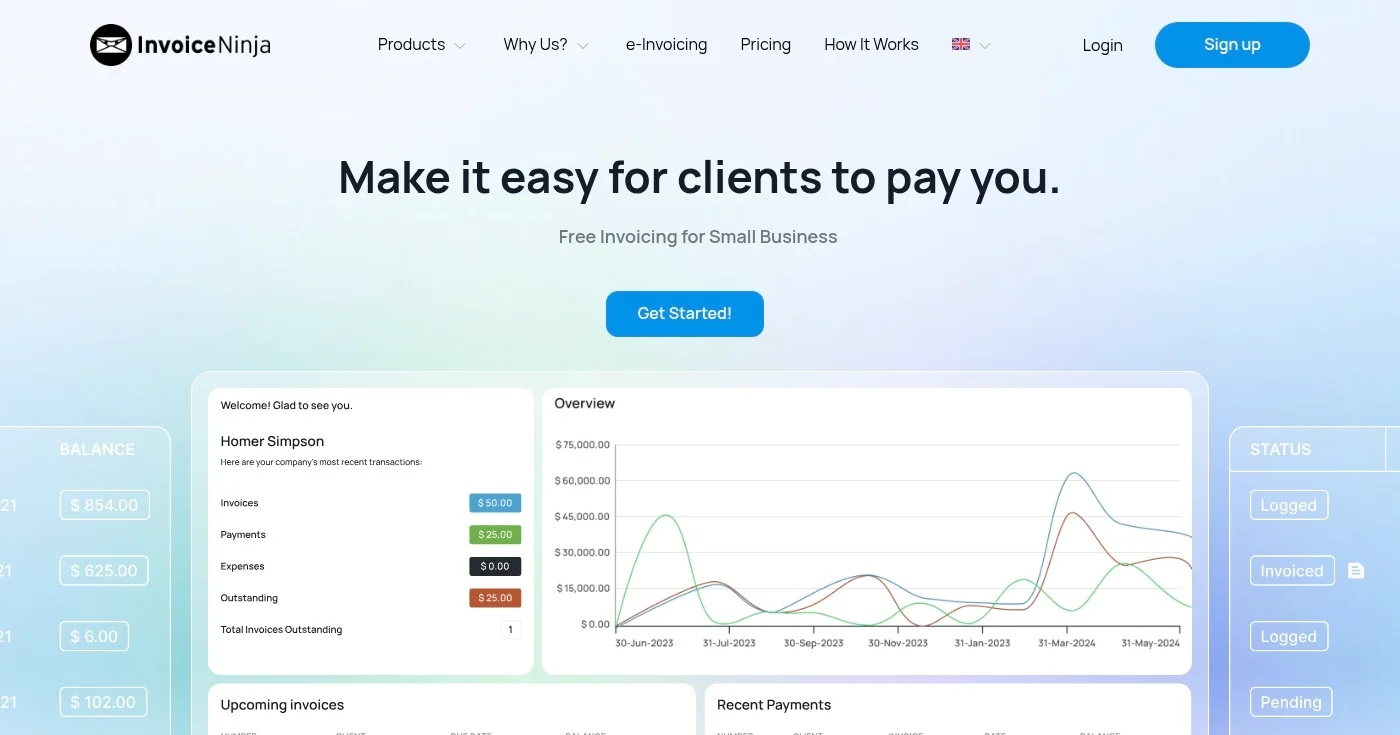
Invoice Ninja is the only major open-source invoicing platform with a self-hosted option. If data sovereignty matters to your business, or if you want to avoid recurring SaaS fees entirely, you can run Invoice Ninja on your own server at no cost beyond hosting.
The cloud free plan covers 5 clients with unlimited invoices, which is more than enough for very small businesses and freelancers just starting out. The Ninja Pro plan at $14/mo unlocks unlimited clients, 11 invoice templates, custom branding, API access, and auto-reminder emails. The platform supports dozens of payment gateways, including Stripe, PayPal, Braintree, GoCardless, Mollie, and Square.
The UI is functional rather than beautiful. Users coming from FreshBooks or Wave will notice the difference in polish. But the feature depth at this price point is hard to match.
Best for creative professionals managing clients end to end
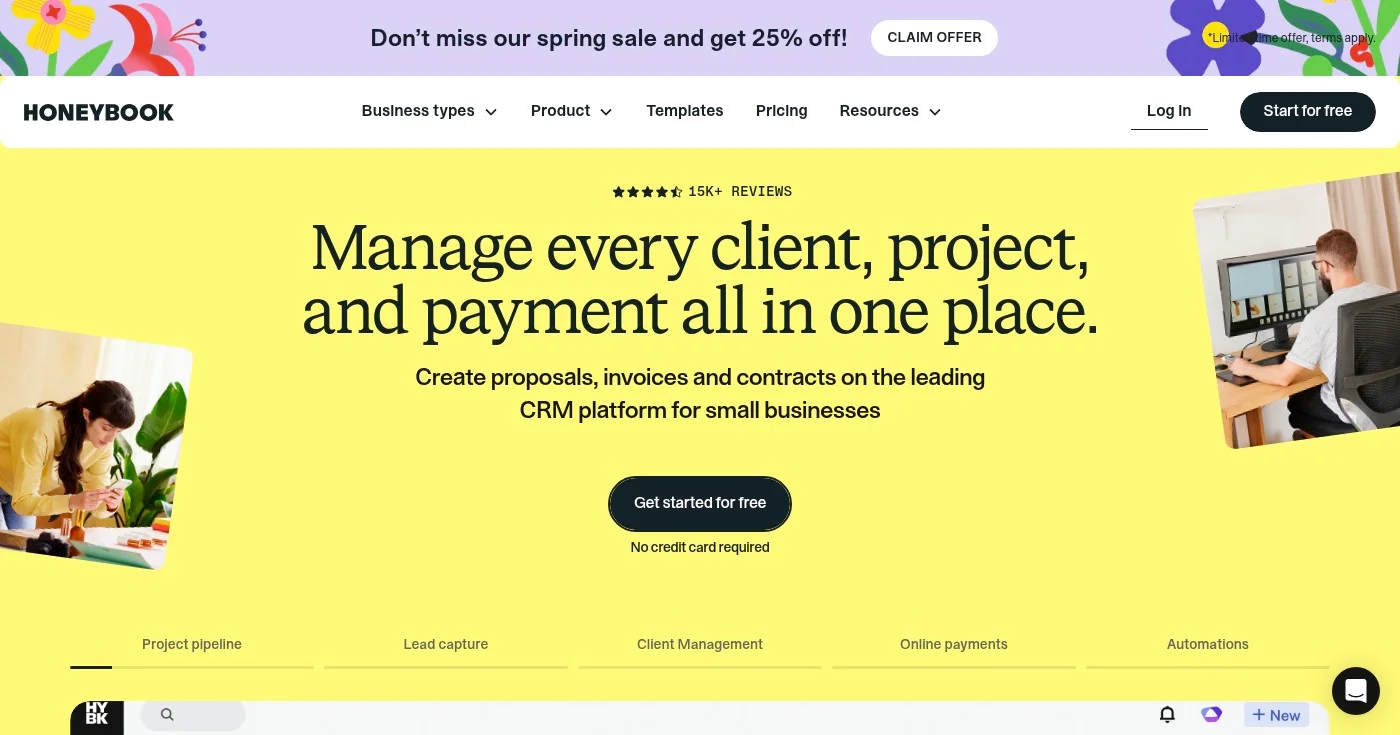
HoneyBook is not just invoicing software. It combines proposals, contracts, invoices, scheduling, and a CRM into one platform built for independent creative businesses: photographers, event planners, designers, copywriters, and consultants who manage the full client lifecycle.
All plans include unlimited clients, projects, and invoices. HoneyBook AI helps draft responses, summarize client conversations, and create invoice line items from project notes. The template library covers proposals, contracts, and invoices with professional designs out of the box.
The significant drawback is the 2025 pricing increase (the Starter plan moved from $19/mo to $36/mo, per HoneyBook's current pricing). HoneyBook is also U.S. and Canada only.
For a purely invoicing use case, the cost is hard to justify. But for a creative business that wants one place for the entire client workflow, it is the most complete option.
All plans start with a free trial. View HoneyBook pricing.
The best invoicing software comes down to one decision: how much of your financial workflow do you want in one tool? For standalone invoicing, Zoho Invoice (free) and FreshBooks ($23/mo) set the standard. For invoicing as part of full accounting, QuickBooks and Xero are the benchmarks.
With 56% of small businesses currently owed unpaid invoice balances, the right software and online payment setup is one of the highest-ROI operational decisions a small team can make.
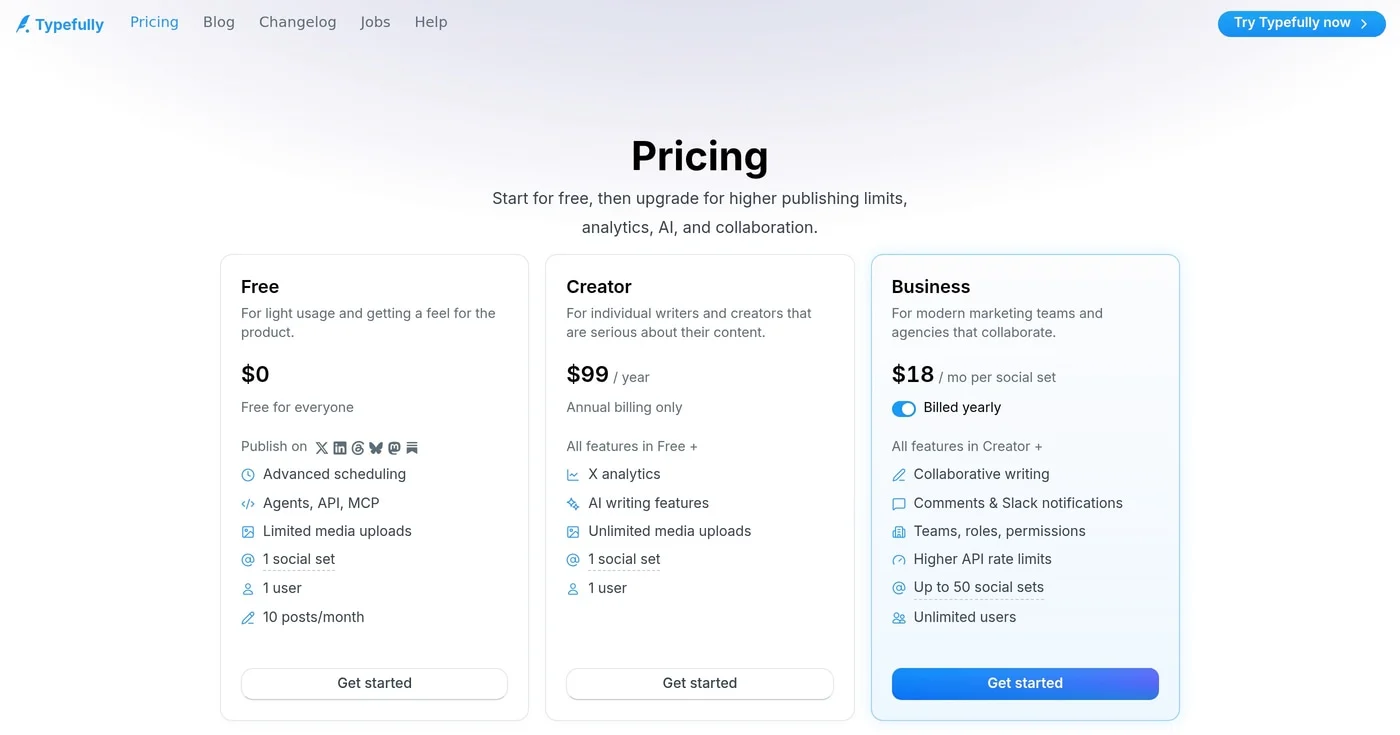
Free is $0, Creator is $99/year, and Business is $18 per set. Typefully pricing still excludes X Premium, LinkedIn analytics, and a monthly Creator bill.
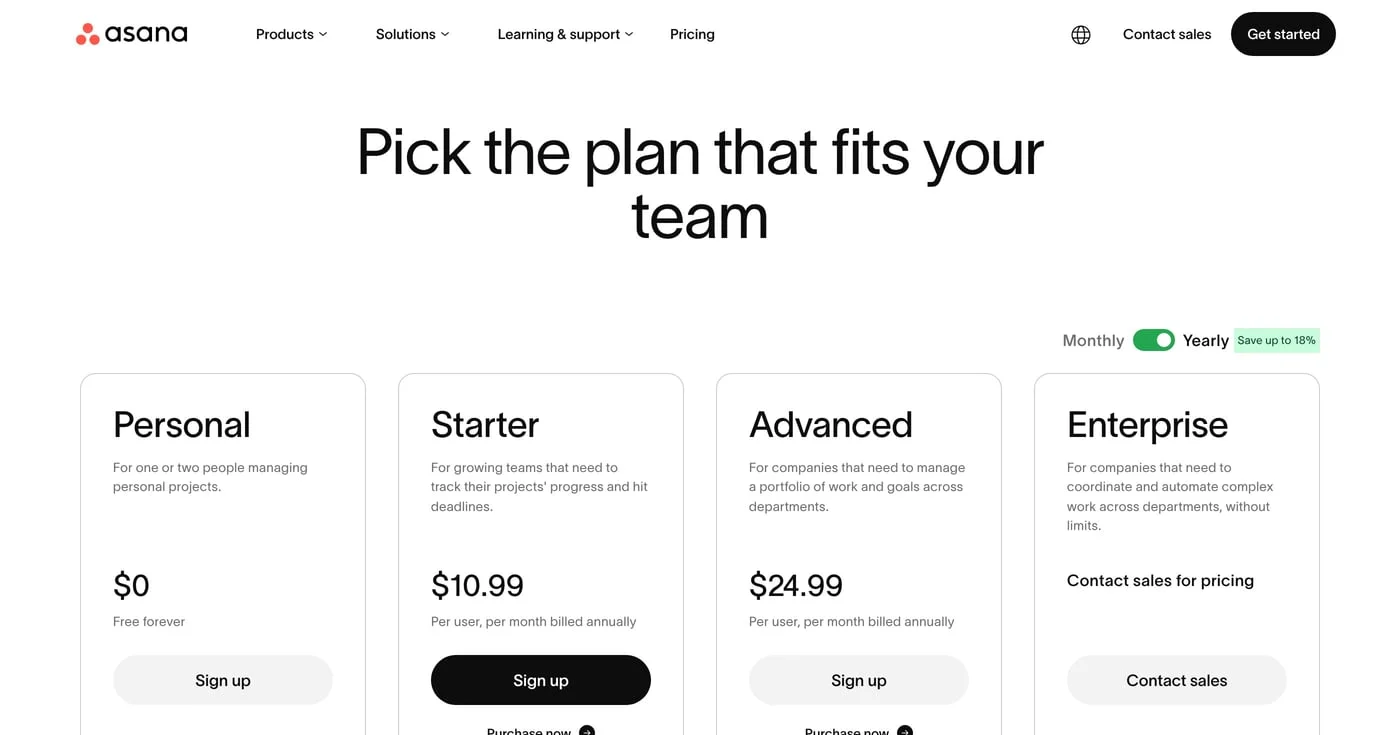
Asana pricing review: Starter is $10.99/user/mo yearly, but paid plans start at 2 seats and 6 people bill as 10. Plans, invoice math, monday.com vs ClickUp.
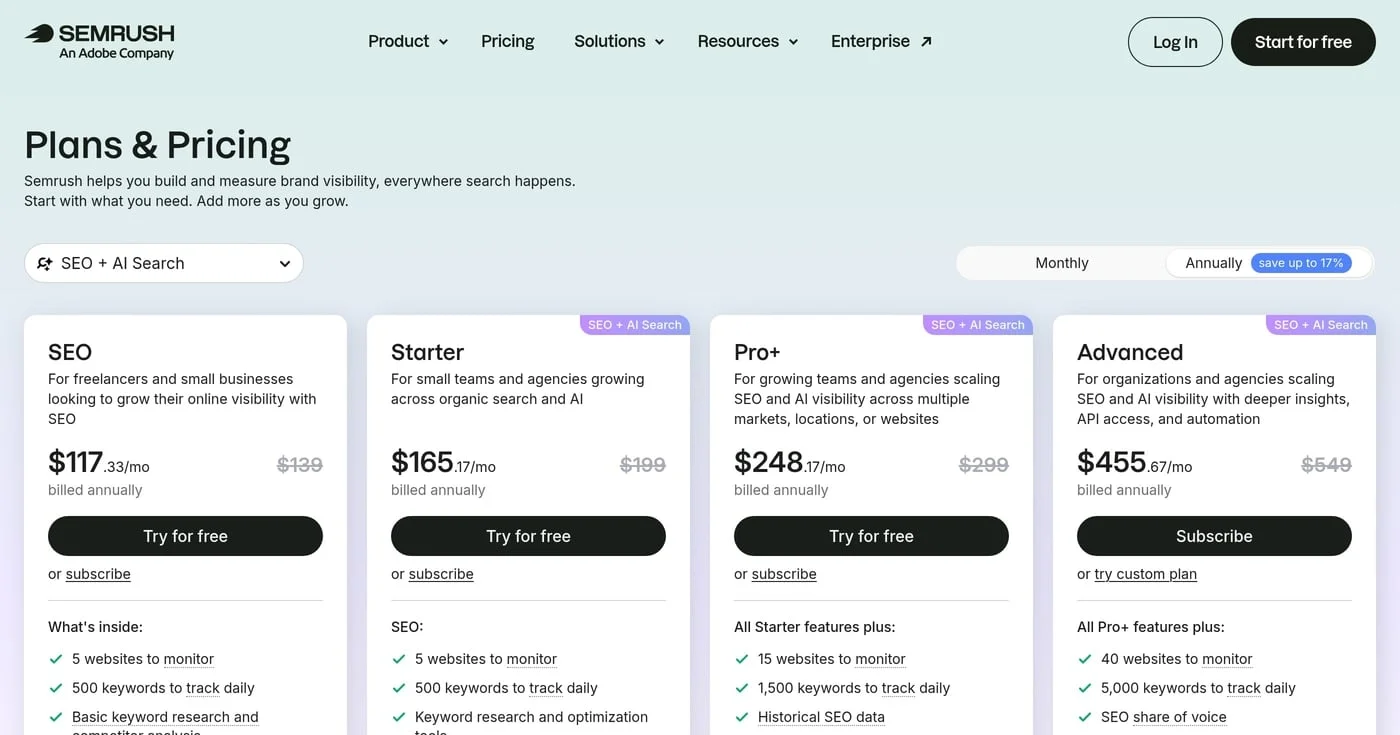
As of September 2026, Semrush SEO is $139/mo and Starter is $199. One seat is included; extra users, $99 AI Visibility, and toolkits set the real invoice.
